Video Editing Course
Edit Real Estate Videos that Actually Look Professional (iPhone footage included)
Learn my exact editing workflow in under 1 hour
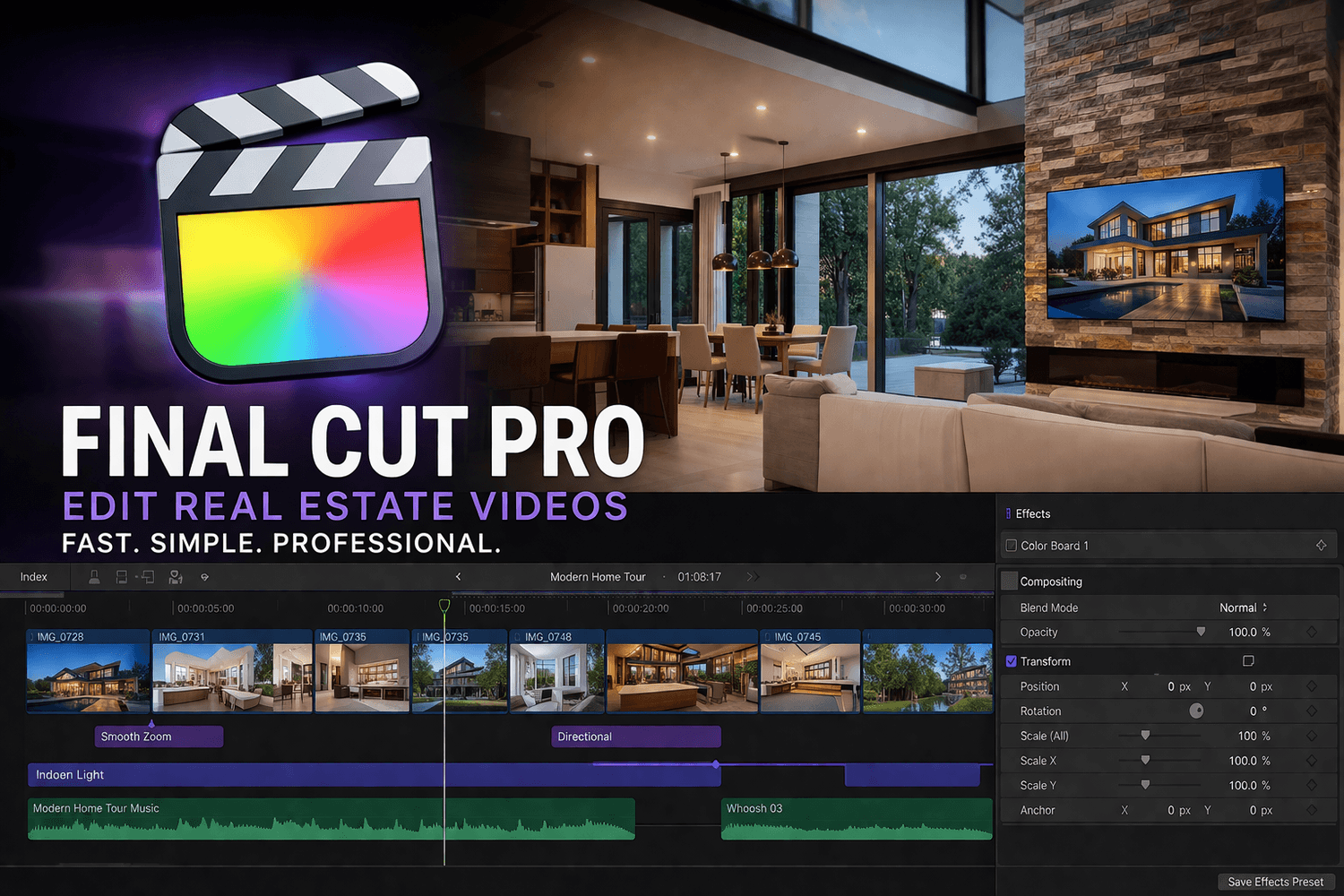
iPhone Editing Workflow Includes:
Who is this for?
Full step-by-step editing walkthrough
Practice clips to follow along
My go-to editing structure
✔ Beginner photographers
✔ Realtors shooting their own content
✔ People tired of “meh” results
Today: $29
This is what you'll get
Speed ramp
Color Correction
Cinematic pacing
Sound design
“You Might Be Thinking…”
“I’ve never edited a video before… will this be too advanced?”
Not at all. This is built specifically for beginners. I walk you through everything step-by-step and keep it simple
“I don’t have Final Cut Pro… can I still use this?”
Yes. I use Final Cut Pro in the walkthrough, but the workflow applies to any editing software. The structure, timing, and techniques will translate no matter what you’re using.
“How long will this take me to go through?”
You can watch the full workflow in under 1 hour—and start applying it immediately on your next video.
“Is this just theory, or will I actually see results?”
You’ll see exactly how I edit a real video from start to finish. No fluff—just a repeatable system you can copy.
Satisfaction Guaranteed
Your purchase is protected by a 30-Day Money-Back Guarantee.
If you’re not completely satisfied with the course, simply contact support within 30 days and your refund will be processed, no hassle.
Subscribe here for free
We HATE spam. Your email address is 100% secure